

 |
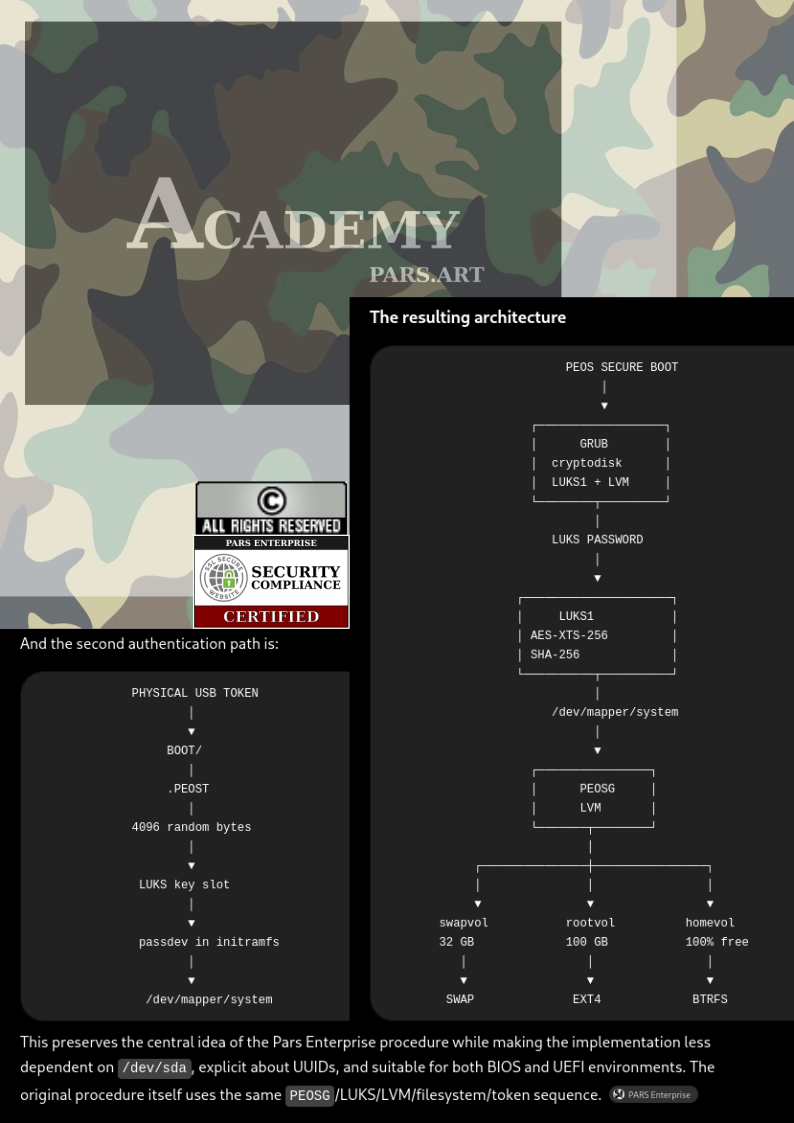
Preserve the central idea of the Pars Enterprise procedure while making the implementation less dependent on /dev/sda, explicit about UUIDs, and suitable for both BIOS and UEFI environments. The original procedure itself uses the same PEOSG/LUKS/LVM/filesystem/token sequence. |
 |
SECURITY FEATURES
Advanced Data Protection
Enterprise-grade encryption and data protection technologies safeguard critical information against unauthorized access, physical threats, and data loss.
Comprehensive Threat Defense
A robust security framework protects the environment from both online and offline threats, ensuring maximum stability, reliability, and business continuity.
Privacy-Focused Workspace
Built with privacy-enhancing technologies that provide a secure and confidential environment for users, businesses, and network administrators.
SOFTWARE FEATURES
Intuitive User Experience
A modern, user-friendly desktop environment designed for efficiency, ease of use, and seamless productivity.
Tailored for Every Profession
Highly customizable to meet the unique requirements of businesses, professionals, developers, educators, and creative users.
Essential Applications Included
Comes pre-installed with a curated collection of trusted and widely used open-source applications to help users get started immediately.

HARDWARE FEATURES
Premium-Quality Components
Powered by modern, high-performance hardware selected for reliability, durability, and optimal performance.
Multi-Layer Authentication
Enhanced security through dual authentication methods, combining traditional password protection with an additional master authentication key.
Intelligent Recovery System
Integrated recovery tools enable complete system restoration, factory reset capabilities, and operating system repair to minimize downtime and simplify maintenance.
Why Choose Open-Source Platforms?
In today's digital world, organizations require solutions that deliver high performance, strong security, energy efficiency, and cost-effectiveness. Open-source platforms provide these advantages while offering unmatched transparency and control.
Unlike proprietary operating systems, open-source solutions allow users and organizations to inspect, verify, and understand the software running on their systems. This transparency improves security, accelerates issue resolution, and builds confidence in the platform.
Open-source platforms are also recognized for their stability, reduced exposure to common malware threats, and efficient resource utilization. Combined with lower licensing costs and greater flexibility, they provide a compelling alternative for businesses and individuals seeking long-term reliability and security.
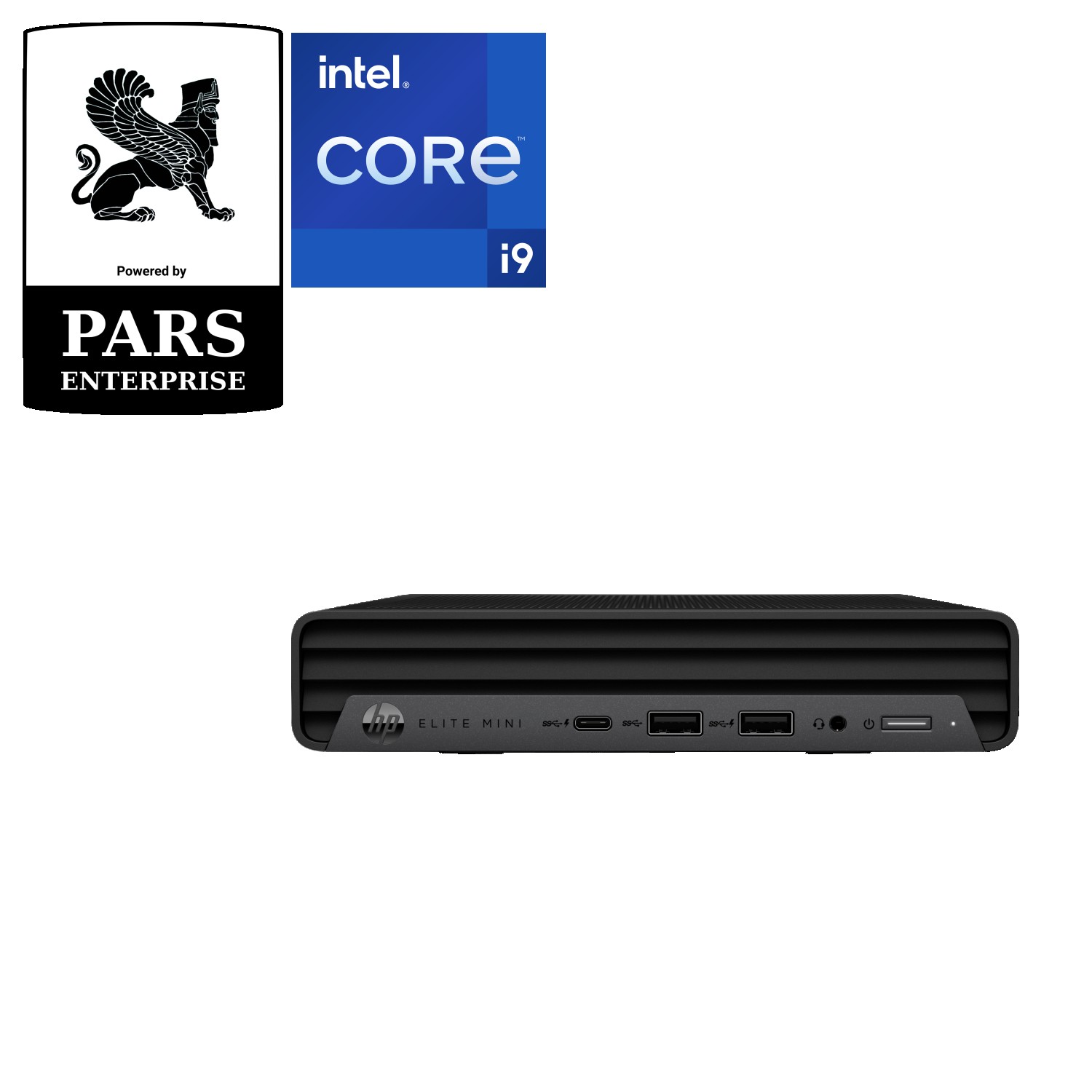
HP Elite Mini 800 G9 – Compact Specs The HP Elite Mini 800 G9 is a high-performance 1-liter business mini PC designed for powerful productivity in a compact form factor. |
||
⚙️ Processor |
🧠 Memory |
💾 Storage |
|
|
|
🎮 Graphics |
🌐 Connectivity |
🔌 Ports |
|
|
|
🧊 Design |
🔒 Security |
|
|
|
|
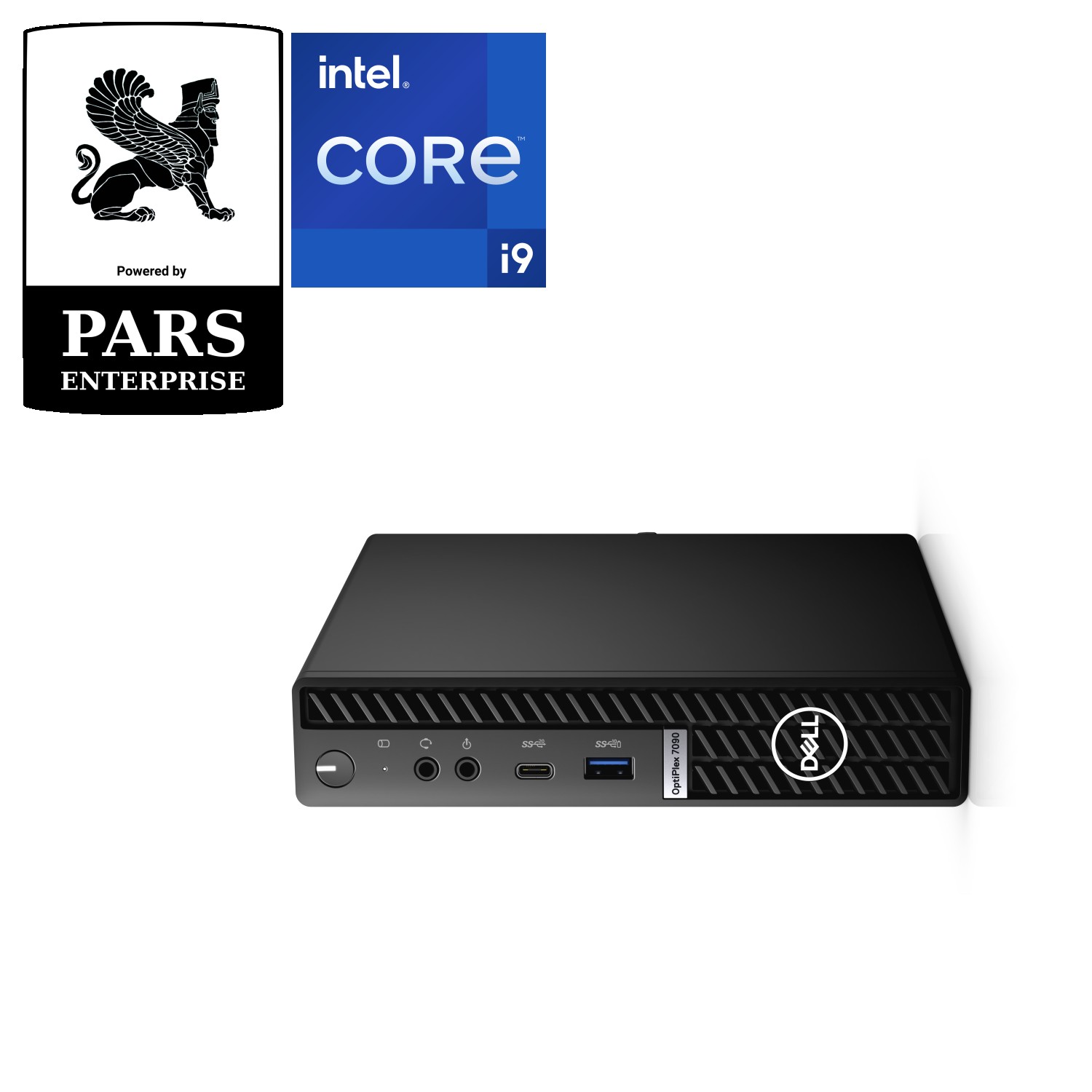
Dell OptiPlex 7020 Micro – Compact Specs The Dell OptiPlex 7020 Micro is a ultra-compact business desktop designed for enterprise performance, reliability, and space-saving deployments in offices and edge environments. |
||
⚙️ Processor |
🧠 Memory |
💾 Storage |
|
|
|
🎮 Graphics |
🌐 Connectivity |
🔌 Ports |
|
|
|
🧊 Design |
🔒 Security |
|
|
|
|
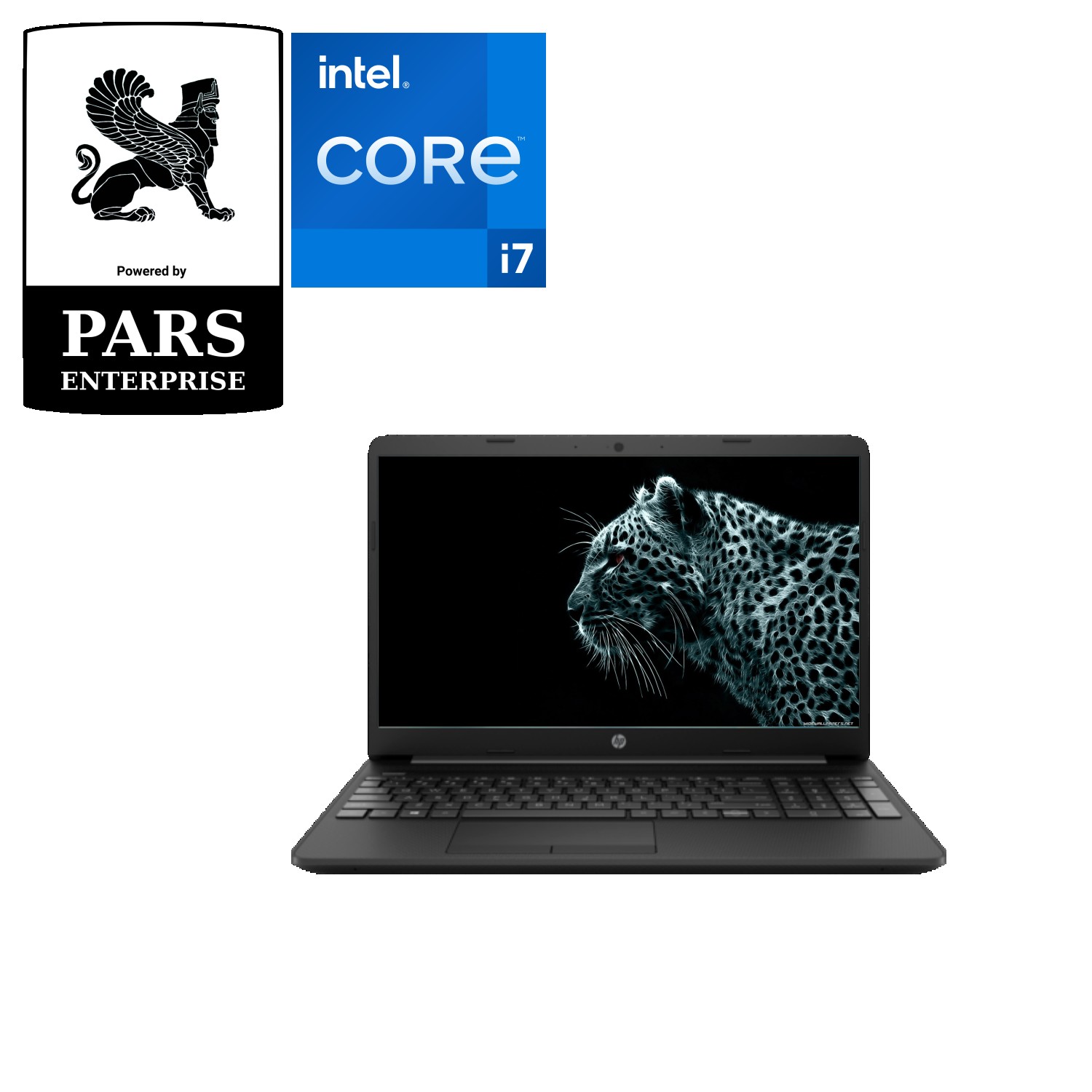
Dell XPS 13 Developer Edition – Compact Specs The Dell XPS 13 Developer Edition is a premium ultra-portable laptop, designed for developers, engineers, and Linux enthusiasts who want a fully optimized open-source workstation. |
||
⚙️ Processor |
🧠 Memory (RAM) |
💾 Storage |
|
|
|
🎮 Graphics |
🖥️ Display |
🌐 Connectivity |
|
|
|
🔌 Ports |
🔋 Battery |
🧊 Design |
|
|
|
🔒 Security & Enterprise Features
|
||
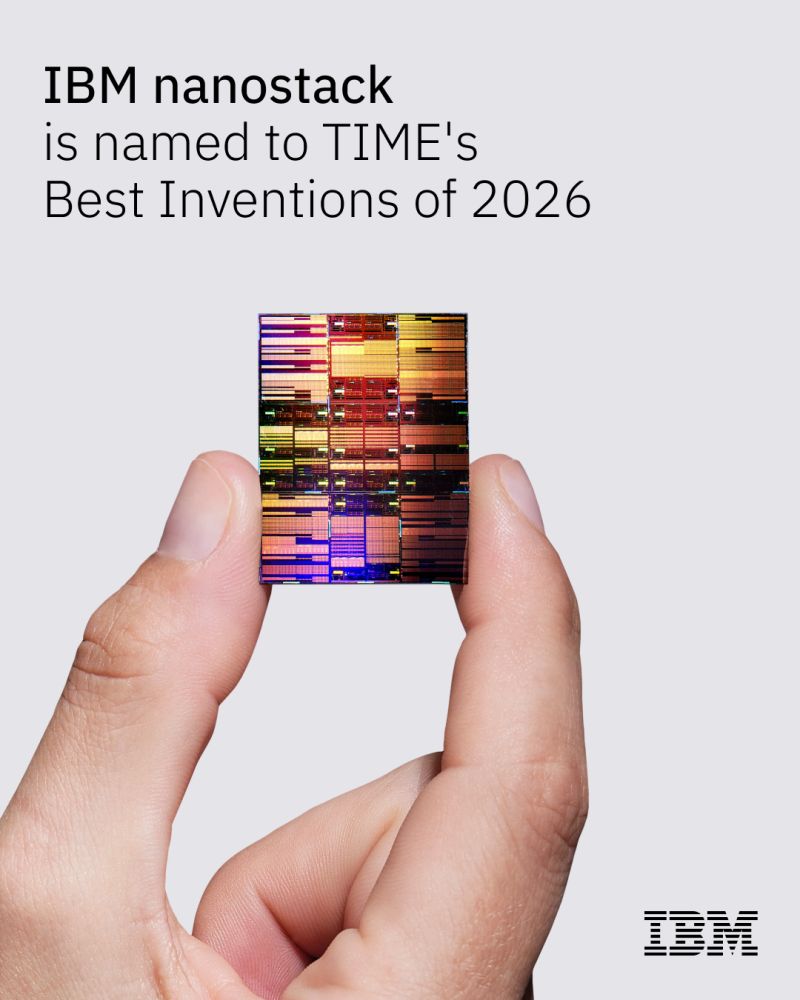
Scaling semiconductors has historically meant building across two dimensions. IBM's nanostack scales upward.
Named to TIME's Best Inventions of 2026, this 3D chip architecture unlocks nearly twice the transistor density of 2nm node technology. Dive deeper into IBM nanostack and see how it provides a path for future chips that deliver dramatically better performance: https://ibm.co/6043EVE2R